
The Organizational Signals Platform
Seminar and training feedback form that shows whether you have achieved your objectives
Create your seminar feedback form in minutes – and find out early on how participants rate the trainer, the content and the organisation.
easyfeedback automatically analyses participant feedback and highlights areas where there is scope for improvement.



GDPR-compliant · Made in Germany · Over 10,000 companies rely on easyfeedback





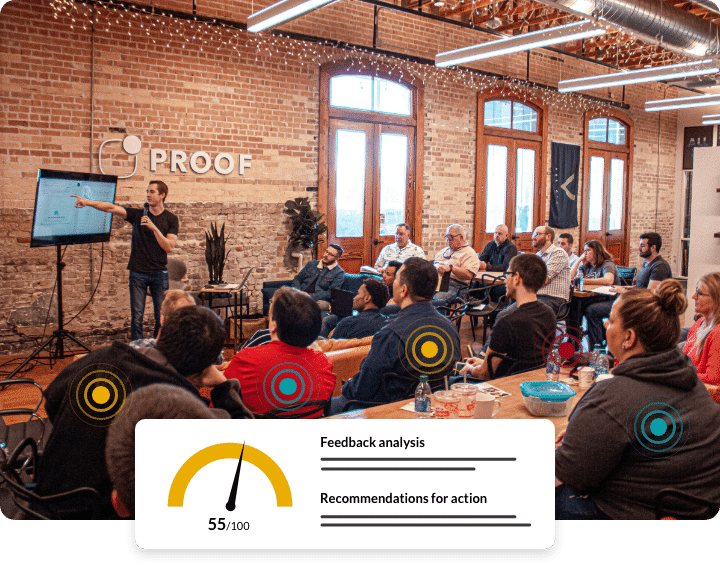
Most feedback forms only measure satisfaction. The best ones measure learning signals.
Feedback forms are often handed out after seminars, training sessions or events. The results usually show average scores, star ratings or individual comments. Yet the key questions often remain unanswered:
- Was the coach convincing?
- Was the content relevant?
- Was the aim of the event achieved?
- Which areas should be developed further?
- Where is there room for improvement?
- Which formats work particularly well?
Collecting feedback is easy. The challenge lies in drawing the right conclusions from it.

Feedback is more than just an assessment. Participants send learning signals.
Every event generates signals. Signals for:
- Quality of coaches
- Quality of content
- Relevance
- Clarity
- Organisation
- Participant satisfaction
- Opportunities for optimisation
Most of these signals remain hidden in traditional feedback analyses.
easyfeedback helps to bring these signals to light.
Detect what matters before it escalates.
Using feedback to improve events
Record feedback
Create professional seminar and event surveys using templates that include rating questions and open-ended feedback fields.
Recognising signals
Automated analyses identify strengths, weaknesses, trends, patterns and areas for improvement.
Identify measures
Identify the factors that influence the success of your events and where you can make targeted improvements.
How to structure your seminar feedback form correctly
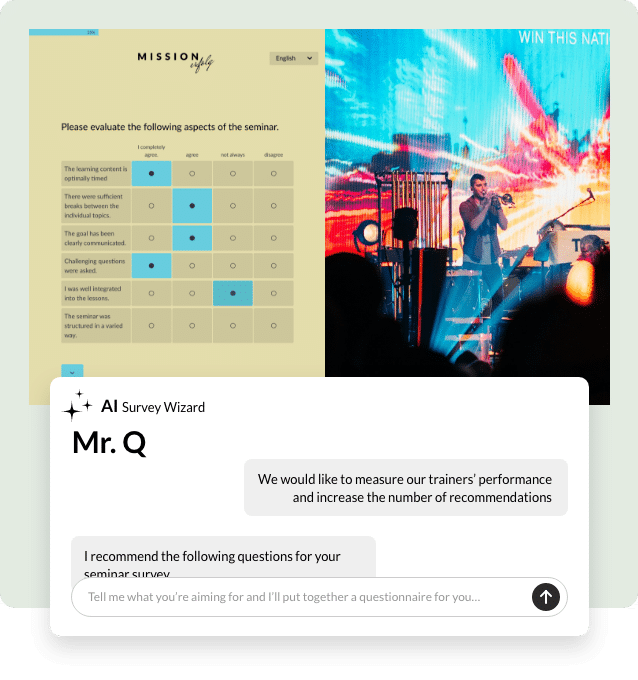
A good feedback form follows a clear structure: an introduction stating that responses are anonymous and explaining the purpose of the survey; a main section with specific questions about the trainer, content and organisation; and a brief conclusion with space for open-ended feedback. With easyfeedback, you can create this structure in just a few minutes – using tried-and-tested templates or customising it yourself with our questionnaire wizard, Mr Q.
Find out more about the ideal structure for a feedback form →
Good seminars achieve their objectives.
Those who are less successful send out signals beforehand.
Falling participant ratings. Recurring criticism. Content that is difficult to understand. Poor speaker ratings. Organisational problems.
The signs are often already there. The challenge lies in recognising them at an early stage. With easyfeedback, these developments become apparent.
What signals can be detected?
Coach signals
Find out how presenters, trainers and speakers are perceived by participants.
Content signals
Please consider how relevant, clear and practical the content covered was for the participants.
Experience signals
Find out how participants experienced the event as a whole.
Organisational signals
Highlight the organisational strengths and weaknesses of your events.
Signs of satisfaction
Find out how satisfied participants were with the event overall.
Recommendation signals
Find out how likely participants are to recommend your event to others.
Create professional and straightforward feedback for seminars and events
- Submit seminar feedback
- Seminar feedback form
- Seminar evaluation
- Event Feedback
- Participant survey
- Feedback following the training session
- Event feedback form
- Seminar feedback template
- Online feedback form
Mr Q – our survey assistant – will design the ideal survey for your event or seminar feedback.
Why companies are turning to Learning Signals
Companies use easyfeedback for event feedback and seminar surveys in order to:
- Continuously improving seminars
- To increase participant satisfaction
- Assessing coaches objectively
- To develop content in a targeted manner
- Ensuring the quality of events
- Using resources efficiently
So that you can improve your offering not on the basis of assumptions, but on the basis of participants’ actual experiences.
Enterprise-level insights. Without enterprise complexity.
More than 90 professional surveys
Access over 90 survey templates for free, or use our survey wizard, ‘Mr Q’
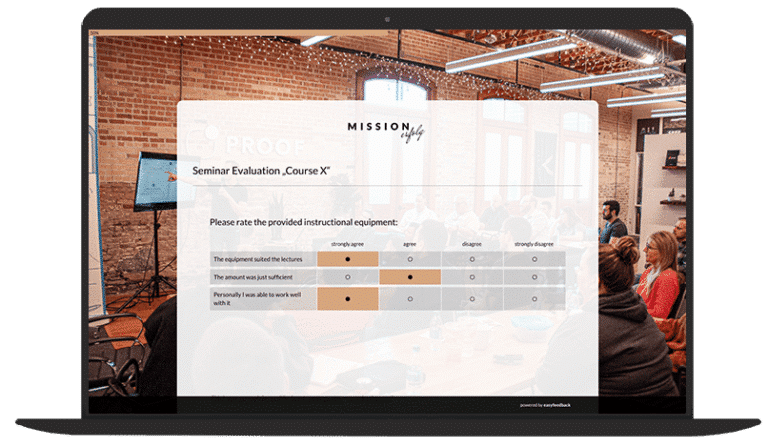
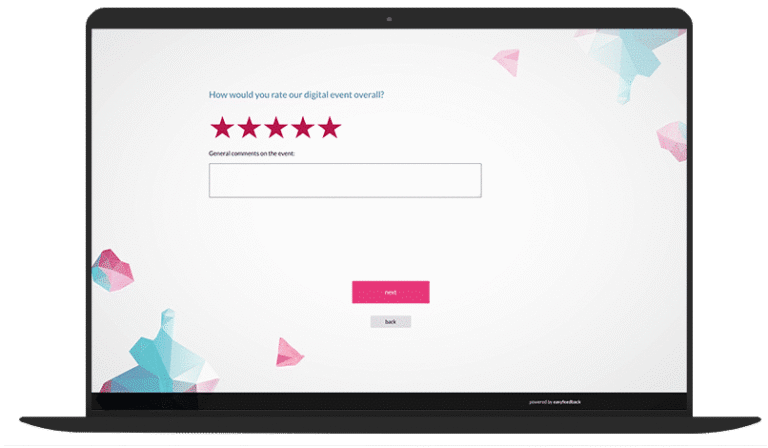
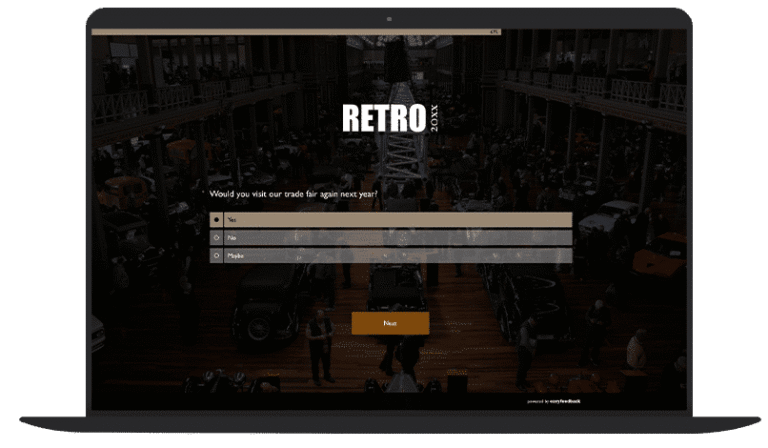
Thousands of seminars, training courses and events have already been successfully evaluated
Better decisions | Problems identified earlier | Improved customer retention | Understanding your customers
4,8


Find out early on whether your event has achieved its objective
Create professional seminar and event surveys, automatically identify relevant learning signals, and continuously improve the quality of your events.
We’re here for you
When you create a seminar survey using easyfeedback, you’ll have access to the survey tool and all the survey templates it contains.
Upon registration, we’ve set up a demo survey in your account. This already includes a ready-made questionnaire and results.
This allows you to see straight away how the survey tool works and what it has to offer.
If you have any questions, simply visit the help center or get in touch with us.
How do I create a seminar survey using easyfeedback?
With easyfeedback, you can create seminar surveys and training feedback forms easily, quickly and professionally.
You can either use a tried-and-tested template for seminar feedback or create a customised questionnaire tailored to your event.
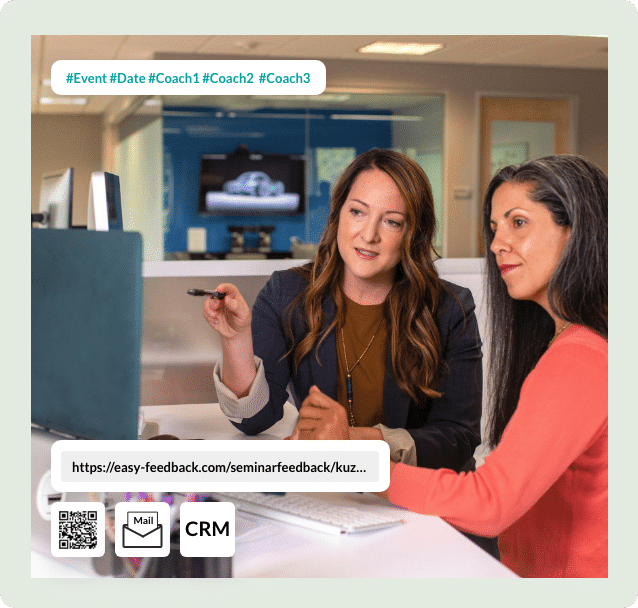
You can then invite participants to take part in the survey via email, a link or a QR code. The survey is conducted entirely online and can be made anonymous if desired.
Once the survey is complete, easyfeedback automatically analyses the results and highlights key performance indicators – for example, regarding the quality of the trainer, the content, the organisation or the achievement of your event’s objectives.
This means you not only receive feedback, but also concrete insights into which factors contribute to the success of your seminars, training courses or events.
How do I link my CRM data to the seminar survey?
With easyfeedback, participant data from CRM systems, participant management systems or Excel files can be imported directly into the seminar survey.
This allows you to enter information such as the following even before the survey begins:
- Company
- Industry
- Participant group
- Location
- Event
- Seminar series
During the subsequent analysis, the results can then be segmented according to these characteristics.
This enables you to identify, for example, which seminars are rated particularly highly, which target groups are most satisfied, or where there is scope for improvement.
This results in significantly more meaningful performance indicators, particularly for recurring training courses or larger event series.
Should a seminar survey be anonymous?
In most cases, an anonymous seminar survey is recommended.
Anonymity increases participants’ willingness to give honest feedback and express criticism openly.
Particularly when it comes to evaluating trainers, speakers, seminar content, organisation or the running of events, anonymity often leads to significantly more genuine responses.
If the results are to be attributed to specific groups of participants or events, additional details can be collected without making individual participants identifiable.
This provides you with meaningful feedback and, at the same time, reliable insights for improving future events.
What questions should I ask in a seminar or training course survey?
The questions in a seminar survey should always be aligned with the objectives of the event. Typically, the following areas are assessed:
Organisation & General Conditions
- Was the seminar room comfortable?
- Were there sufficient resources available?
- Were the handouts provided helpful?
- How would you rate the organisation of the event?
Structure of the seminar
- Was the aim of the seminar clearly communicated?
- Was the programme structured logically?
- Was there sufficient time for discussions and questions?
- Was the event varied in its structure?
Content of the event
- Was the content presented clearly?
- Were the topics relevant to your work?
- Were there sufficient practical examples?
- Were your expectations met?
Assessment of the presenter
- Was the presenter competent?
- Were they able to convey the content clearly?
- Were questions answered adequately?
- Did the presenter engage with the participants?
Practical application
- Is the content relevant to your day-to-day work?
- Have you already been able to apply the content?
- Did you come away with specific ideas for putting the content into practice?
Suggestions for improvement, praise & criticism
- What did you particularly like?
- What should we improve?
- Which topics were missing?
Participant information
- What motivated you to take part?
- How likely are you to recommend the seminar to others?
When is the best time to invite people to take part in a seminar survey?
The best time depends on the aim of your survey.
Immediately after the seminar
This is the most commonly used option.
Participants still have a fresh memory of all the content, the trainer and the organisational arrangements. This enables you to receive very detailed feedback on the event.
Before the final session
This option often achieves the highest response rate.
As all participants are still on site, feedback can be collected straight away and, in some cases, even discussed immediately. Particularly suitable for:
- Face-to-face seminars
- Workshops
- Training courses
During the seminar
Short feedback surveys after individual topic blocks or breaks provide particularly precise feedback.
Impressions are still fresh, and participants usually respond to short questionnaires very reliably.
This generates particularly meaningful performance indicators regarding specific content or speakers.
During and after the seminar
In practice, this combination often yields the best results. Short surveys during the event capture immediate impressions.
An additional survey a few days later allows participants to reflect on the content and gain initial experience of putting it into practice.
This gives you a much more complete picture of the quality of your event and the extent to which its objectives have been met.
How do I receive the results of the feedback survey?
Once the seminar survey has been completed, easyfeedback automatically analyses the results. The feedback is not merely collected, but systematically evaluated and interpreted.
For example, you can see:
- how trainers are rated
- which content is particularly well received
- which topics could be improved
- how the organisation was perceived
- whether the event’s objectives were achieved
Dashboards, reports and automated analyses highlight the key performance indicators. This enables you to quickly identify where action is needed and which measures will have the greatest impact on future events.
Tips and best practices for conducting a seminar survey
To ensure your seminar surveys are successful, you should follow a few tried-and-tested best practices:
- Define clear objectives for the survey in advance.
- Keep the questionnaire as short and relevant as possible.
- Use a mix of rating questions and open-ended questions.
- Ask specific questions about the trainer, content and organisation.
- Communicate clearly about anonymity and data protection.
- Use reminders to increase the response rate.
- Analyse the results promptly.
However, it is particularly important that the feedback leads to concrete actions.
Participants invest time in providing their feedback and expect it to be put to good use.
Successful organisers therefore do not view seminar surveys as a one-off exercise, but as an integral part of their feedback and quality management processes.
This continuously generates new performance indicators that help to make seminars, training courses and events more successful in the long term.